Device Display controls
Keep Screen Awake and DimDash Brightness help a wall-mounted iPad or iPhone stay visible and consistent while DimDash is active.
DimDash
Native iPadOS/iOS kiosk app
A native iPadOS/iOS kiosk app for Home Assistant, Grafana, Dashy, Homarr, Glance, Node-RED, Flame, and any dashboard URL. Built for wall panels that should stay useful without jailbreaks, MDM, or browser hacks.
Available on the App Store. Pro subscriptions are managed by Apple.
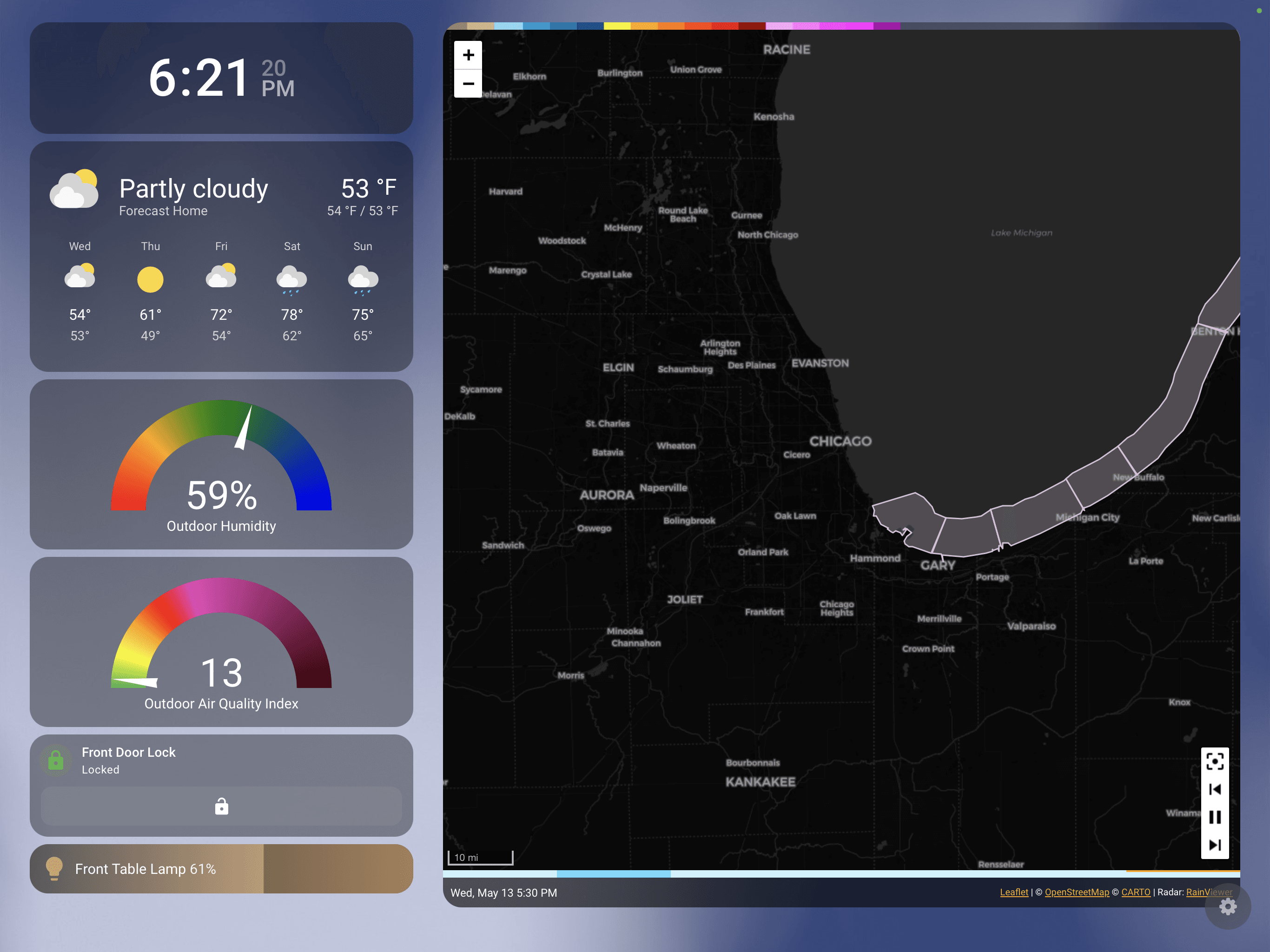
DimDash is intentionally boring in the right places: bring the URL, choose the template when one fits, and keep the dashboard behaving like a dashboard.
 Home Assistant
 Grafana
 Dashy
Dashy Homarr
 Glance
 Node-RED
 Flame
FlameLatest release
Keep your wall panel awake, apply DimDash-managed brightness, and let DimDash Pro rotate through selected dashboards with custom durations, preloaded transitions, and cycle-level dimming controls.
Keep Screen Awake and DimDash Brightness help a wall-mounted iPad or iPhone stay visible and consistent while DimDash is active.
DimDash Pro rotates selected dashboards in your chosen order, with custom duration per dashboard and automatic looping.
Cycle dashboards stay loaded in the background while cycling is active, so transitions feel smoother and fewer switches show a blank loading state.
Choose whether idle, proximity, and scheduled dimming apply to the whole cycle or stay disabled while dashboards rotate.
Add another Home Assistant dashboard from an existing connection and choose a different dashboard without signing in again.
Camera permission is requested when enabling Proximity Detection, with settings diagnostics for permission, camera running state, frame arrival, and presence.
Home Assistant
DimDash can discover Home Assistant instances, sign in through OAuth, store credentials securely in Keychain, pick Lovelace dashboards over WebSocket, bridge Home Assistant external auth into the native WebView flow, and silently refresh tokens. Pro users can add another Home Assistant dashboard from the existing connection without repeating OAuth.
OAuth, dashboard picker, and silent refresh are handled in the setup path.
OAuth
native setup
Keychain
secure storage
Reuse
more dashboards
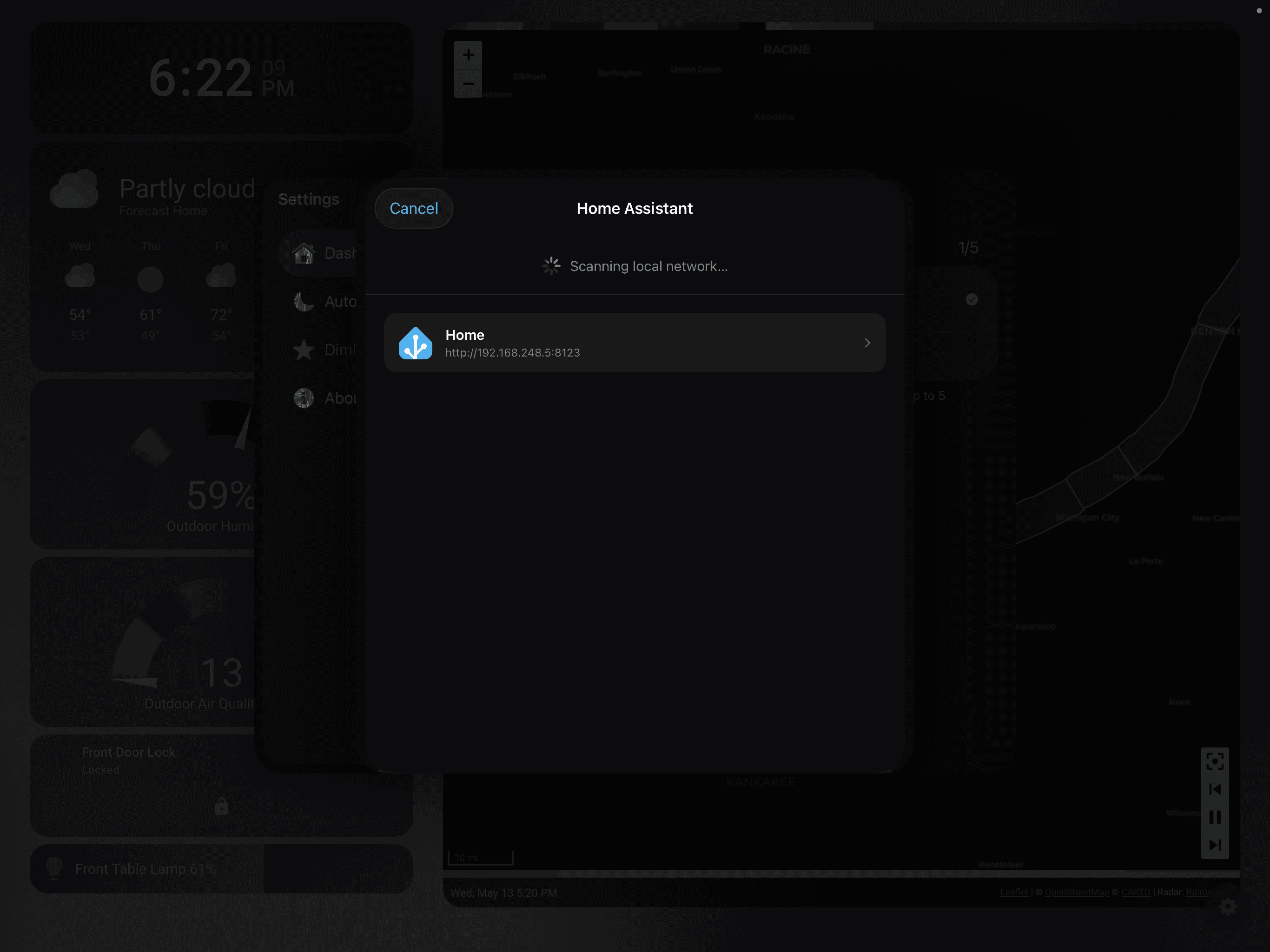
Four steps from local server to wall dashboard.
Find local Home Assistant instances or enter a URL manually.
Complete OAuth once and store credentials securely in Keychain.
Pick the Lovelace dashboard that belongs on the wall.
Add another dashboard from the same Home Assistant connection without signing in again.
 Grafana
 Dashy
Dashy Homarr
 Glance
 Node-RED
 Flame
FlameDimDash Pro
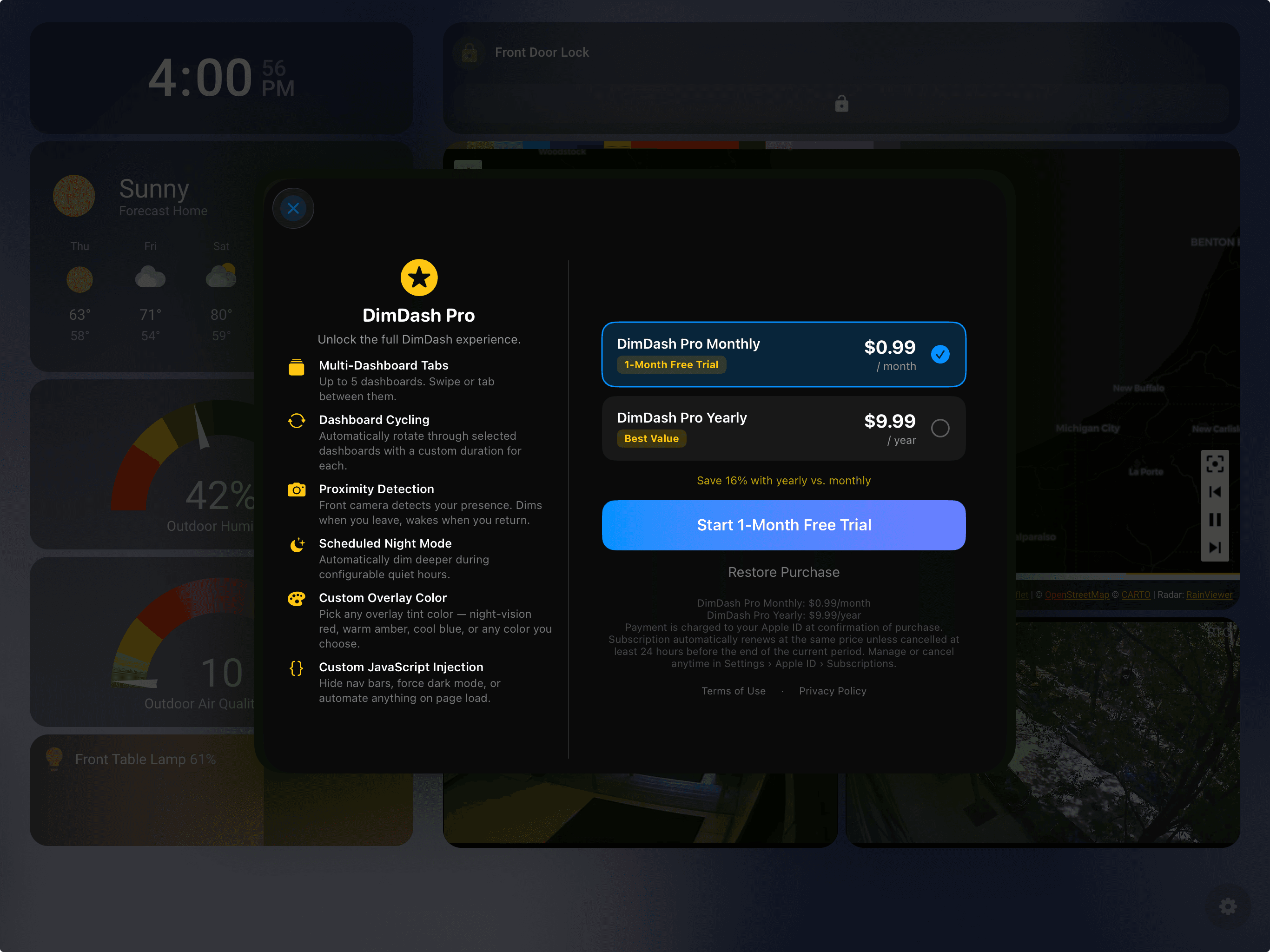
DimDash Pro is an App Store-managed subscription for multi-dashboard homes, dashboard cycling workflows, and smarter dimming routines.
Rotate through selected dashboards in your chosen order with a custom duration for each dashboard.
Request camera permission when enabled and show camera, frame, and presence status in settings.
Dim While Cycling applies dimming to the whole cycle, or keeps the cycle visible without the dim overlay.
Use scheduled dimming, custom overlay colors, and app-managed brightness for the room.
Keep cycle dashboards loaded in the background while cycling is active, reducing blank loading states between dashboard views.
Manage subscriptions, restore purchases, and tune premium dimming controls.
No account. No analytics. No cloud service. DimDash operates on-device and loads the dashboard URLs you configure.
Proximity Detection uses the front camera with Apple's Vision framework. Frames are processed locally on-device, are never recorded, and are never transmitted.
Pricing
Core full-screen kiosk, Device Display, Home Assistant, JavaScript injection, and auto-dimming features.
App Store-managed subscriptions. Final regional display pricing may vary.
Use the DimDash Community repo for setup help, troubleshooting, reproducible bugs, feature ideas, and integration requests.